
Updated October 4, 2026
TikTok Banner Size and Design Tips
Recommended dimensions, aspect ratios and design practices for native banners and the three-tile pinned method.
Nothing ruins a banner faster than wrong dimensions — blurry uploads, cropped text, weird stretching. Here are the numbers that matter, whether you're using TikTok's native banner or building one from pinned posts.
The key sizes
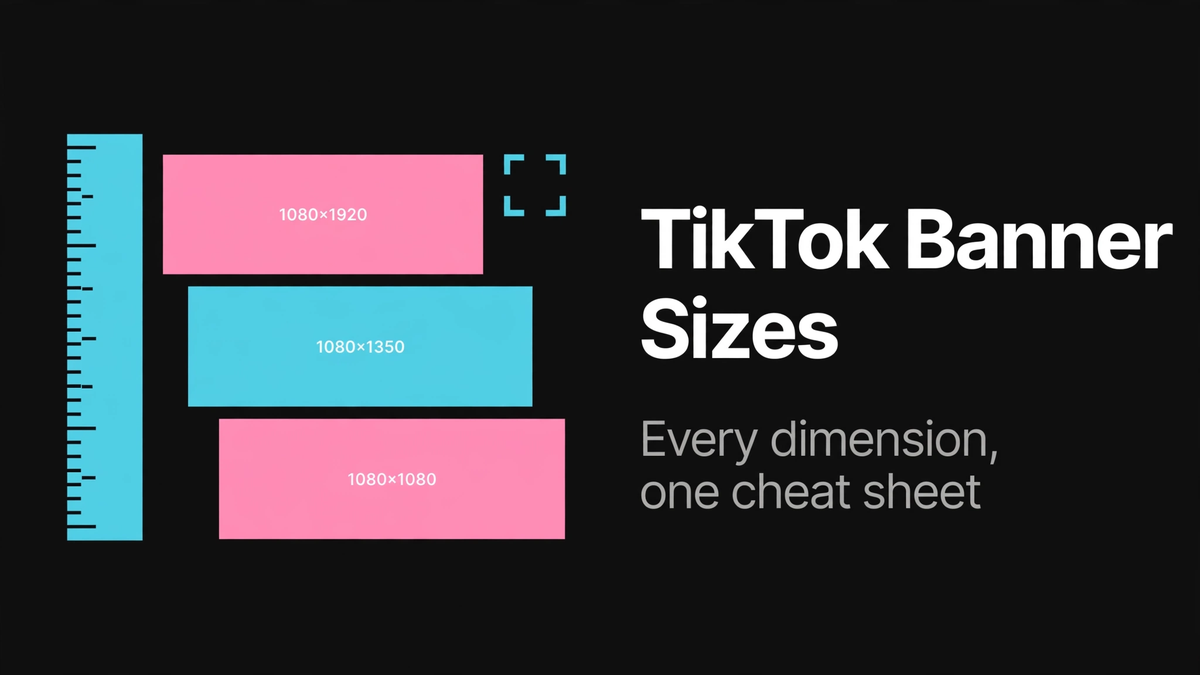
- Pinned-posts banner: design at 3240 × 1440 total, then split into three tiles of 1080 × 1440 each. Each tile is a 3:4 portrait image — the same shape as a TikTok video frame.
- TikTok video / cover: 1080 × 1920 (9:16 full portrait). The profile grid crops covers, so treat the center as the safe zone.
- Profile photo: displays tiny, around 200 × 200, cropped to a circle. Bold and simple wins.
- Native profile banner: TikTok hasn't published official dimensions; design wide (16:9-ish, e.g. 1920 × 1080) and keep key content centered, since the visible area shifts between phones.
Safe areas matter more than exact pixels
Your banner sits behind your avatar, username, bio, and buttons. On the native banner, the center-top is prime "covered" territory — keep your message toward the sides. On the pinned-posts grid, the danger zones are the seams between tiles: never let text cross a seam, because even a one-pixel misalignment makes it look broken.
Design tips that actually help
- One message. "New videos every Tuesday" beats a paragraph nobody can read.
- Contrast. Light text on dark backgrounds (or the reverse). Phone screens wash out subtle color differences.
- Match your niche. A gaming account and a cooking account shouldn't have the same banner energy. Borrow your palette from your content.
- Test on your phone. What looks perfect in an editor can surprise you in the app. Upload, check, tweak.
- Export sharp. Save as PNG for graphics and text, JPG for photos. Don't let a messaging app compress your banner before uploading — transfer the original file.
Free tools that work
You don't need Photoshop. Canva has TikTok-sized templates and a free tier; PosterMyWall has banner templates too. Design at the sizes above, export, and apply with the official method or the pinned-posts trick. The main guide ties it all together.